Alex Finn: Shrink an AI App Idea to One User Task
What is the smallest useful task my first AI-built app should help someone complete?
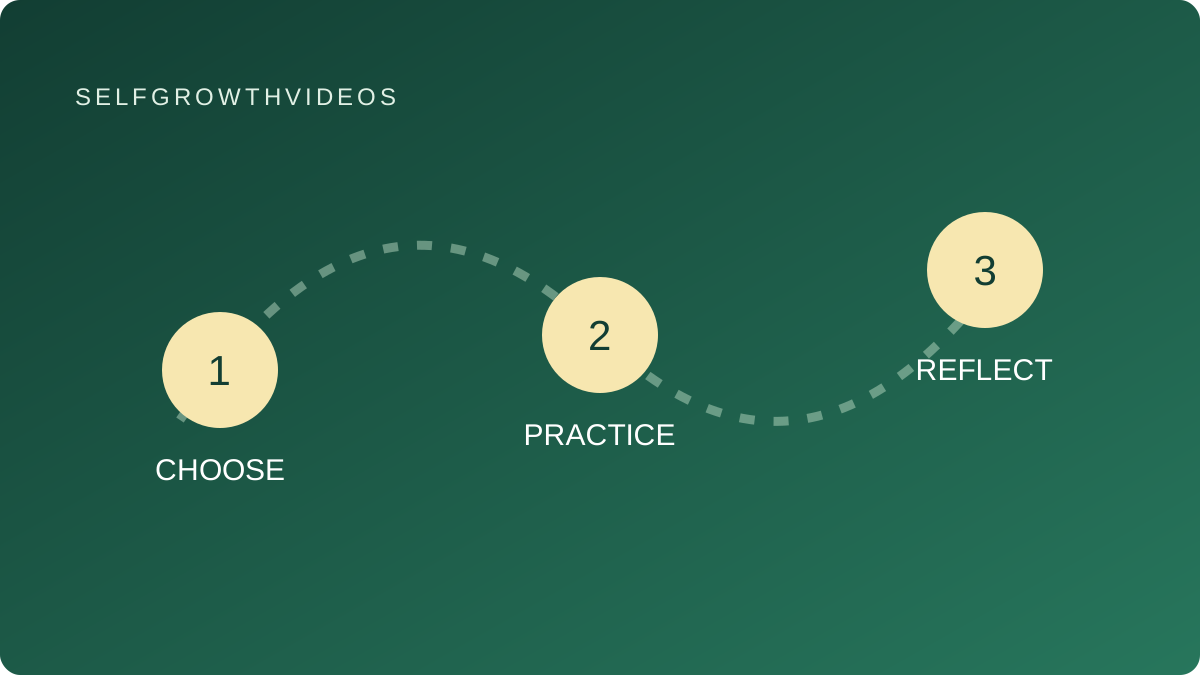 Choose, practice, reflect
A practical learning exercise
The Lesson
You ask an AI for app ideas and get a convincing list: a personal dashboard, a study planner, a tool for local businesses. Now you have more possibilities and no clearer first step. The useful question is which small job you want to help someone finish.
In his October 2025 guide to generating app ideas, Alex Finn describes giving an AI relevant context, asking about problems in a chosen area, and refining its suggestions through conversation. He encourages building from an initial idea and adjusting as you learn. His newsletter information connects his work with technology, creating and personal growth.
That is a useful starting point for exploration. A generated idea still needs a person to decide what problem is real and what a first version should do. An assistant can suggest a plausible audience without having spoken to anyone in it.
Consider a volunteer coordinator who repeatedly turns event notes into a packing list. A large “volunteer management platform” could include registrations, reminders, budgets and reports. A first practice project could simply turn a fictional event description into an editable checklist. That gives you one input, one visible result and one person who can judge whether it helps.
Write the job as a sentence: “When I prepare a community event, I want a checklist I can edit so I can see what still needs packing.” Then name the information the tool receives and the result the person should see. Do this before asking an assistant to build a screen.
Add an explicit boundary for this version. The checklist project does not need real attendee records, payments or automatic messages. Keeping those features outside the first brief makes it easier to inspect the basic interaction. Use invented event details while learning.
A sample walkthrough can expose gaps early. If you enter “a reading afternoon for twelve people,” where do quantities come from? Should the tool suggest them, ask for clarification, or leave a blank? Choose deliberately. A polished interface cannot settle an unclear requirement for you.
You can explore the idea with an AI conversation or a paper sketch before writing code. If you do request a prototype, compare its behavior with your walkthrough. Getting a screen to appear is one observation; helping a person complete the intended task is another.
Reflection
- Whose recurring difficulty am I trying to address?
- Have I observed that difficulty, or has an AI merely suggested it?
- What should a person finish in one visit to the first version?
- Which tempting features can wait until that interaction works?
Practice
Original SelfGrowthVideos exercise: the one-task build brief. This is our practice, not Alex Finn’s named method.
- Pick a small task you understand. Use fictional examples, such as preparing an event packing list.
- Write who uses the tool, when they use it, and the result they need.
- List the input fields and describe one output. Include what happens when an important detail is missing.
- Write one complete example by hand. Show the input, the expected screen or response, and the user’s next action.
- Choose two things this version will leave out. For example, it will neither contact attendees nor store their personal details.
- Ask an AI to question the brief before building: “Which requirements are ambiguous? Ask me about them. Then propose the smallest version that completes this task.”
- Revise the brief, sketch the interaction, and walk through the example. If you build a prototype, use the same example to check it.
Keep the brief alongside the result so you can see whether new features solve the original problem or simply make the project larger.
Review
After your first walkthrough, identify one mismatch between the brief and the result. Was the requirement unclear, the implementation wrong, or your assumption about the user’s need incomplete? Revise that one part and try again.
Before expanding, ask a potential user to describe how they currently do the task. Treat their answer as evidence to consider, not a requirement that your app must serve everyone.
Go Deeper
- Alex Finn’s creator profile collects his existing videos and resources.
- AI for business and agency connects building with practical work.
- Prompt engineering explores clearer requests.
- Nate Herk: prove a task before delegating it helps you define a correct result.