Brian Casel: Break an AI Coding Request Into Reviewable Changes
How do I ask AI for a coding change I can understand, test and revise?
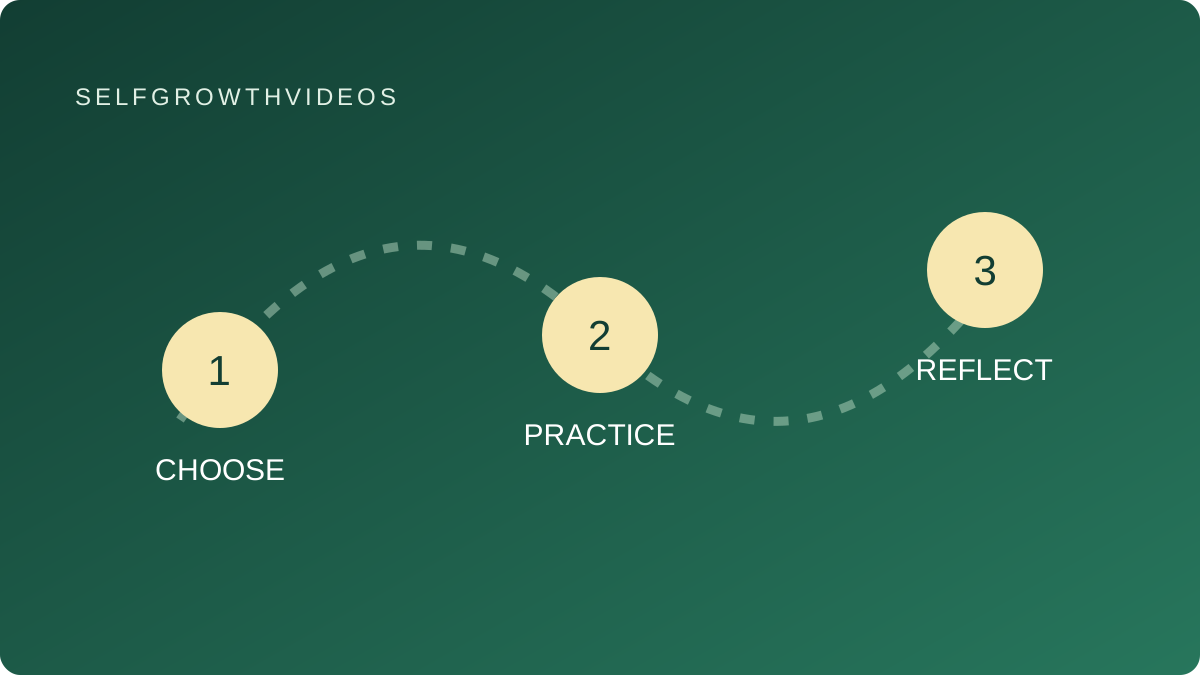 Choose, practice, reflect
A practical learning exercise
The Lesson
“Build me a project dashboard” is an exciting request, but it can produce more code than you can explain. When something breaks, you may not know whether the problem is in the display, saved data or the instructions you gave. A smaller change creates a clearer opportunity to learn.
In his original essay about AI-assisted creation, Brian Casel describes studying generated work and improving it through his own review. His official biography describes his work in design, development and teaching. We can connect that review principle to a practical habit: ask for one change whose purpose and result you can check.
Start with the user’s action. Suppose you have a fictional checklist page containing three tasks. You want a person to filter it so they see only unfinished tasks. That is a specific interaction. It does not require an account system, shared database or an entire project-management app.
Write down what should change and what should remain stable. The unfinished filter should hide completed tasks. It should preserve the original task text. When every task is completed, the page should explain that there are no unfinished tasks. If you have not designed saving between visits, the request should not silently add it.
Ask the assistant to explain a proposed change before editing. Which part controls the task state? Which part decides what is displayed? What assumption is it making about the starting page? Current Claude Code workflow documentation includes planning and testing patterns. You can use the same review habit with other coding tools without following product-specific setup instructions.
A short explanation helps you locate your own uncertainty. If you cannot explain where completion status comes from, investigate that part before asking for more features. The goal of the practice is to understand a small behavior, not merely accept code that appears to run.
Review the difference between the original and changed version. Is each edit related to the requested behavior? If the assistant also changes styling, rewrites unrelated text or adds a library, ask why it is needed. Extra changes create extra questions.
Then try the behavior yourself. Use a mix of complete and incomplete tasks, an all-complete list and a list with no tasks. Keep a record of what happened rather than accepting “it should work” as a test result.
A successful local example supports a next learning step. It does not establish that a larger application is ready for real users. You can repeat the process for the next interaction after you understand the first.
Reflection
- Can I describe the change from the user’s point of view?
- Which assumption about the starting page have I left unstated?
- What would demonstrate that the original behavior still works?
- Which part of the proposed edit do I need explained?
Practice
Original SelfGrowthVideos exercise: make a one-change card. This is our learning worksheet, not Casel’s named development method or an endorsed course.
- Use your own small local practice page, or sketch a fictional checklist if you are not coding yet. Keep a copy of its starting state.
- Write a card with four headings: user action, expected result, boundaries and checks.
- For the checklist example, specify an unfinished-task filter, preserved task text, no new account or network features, and a clear empty result.
- Ask the assistant to explain the smallest proposed change and its assumptions before editing. Clarify anything you cannot connect to the starting page.
- Review the changed code beside the original. Ask for an explanation of unrelated edits before accepting them.
- Try mixed, all-complete and empty lists. Record the actual result for each. If you are using a sketch, ask a peer to describe what they expect the filter to do and label this as design feedback, not a code test.
- Write a few sentences explaining the behavior in your own words. Save one unresolved question for your next practice.
This exercise can stay local. It does not require launching a website, creating accounts or purchasing a coding tool.
Review
Return to the change card at your next check-in. Can you still explain what controls the filter and why the empty case matters?
Choose one next interaction only after you understand the present one. If a check failed, reduce the request or investigate the specific behavior before expanding the page.
Go Deeper
Visit Brian Casel’s profile and selected videos, explore AI Coding & App Building and try explaining and changing one AI-generated function. Apply the same small-change habit to a practice project in websites and small apps.