Claire Vo: Test an AI Interface With One Saved Result
How can I check whether an AI feature is understandable without changing its output every time?
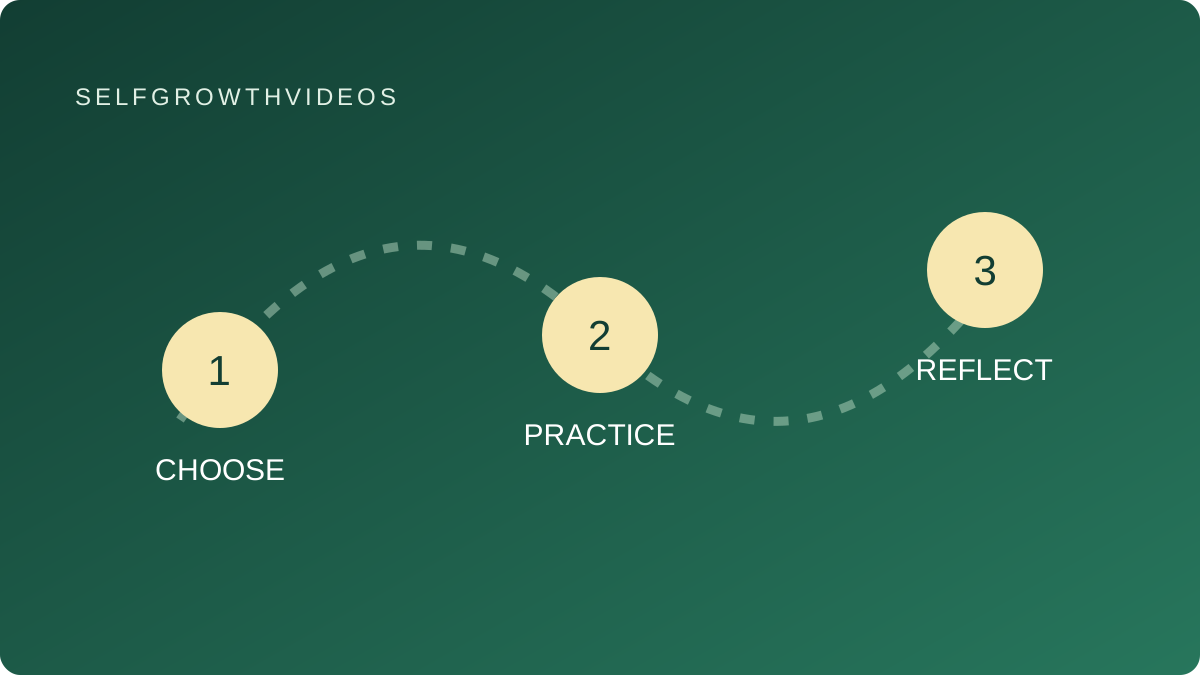 Choose, practice, reflect
A practical learning exercise
The Lesson
You are building a small AI-assisted learning planner. Each time you change the screen, you ask the assistant to generate another plan. The new plan has different wording and missing fields. Now you cannot tell whether the interface improved or whether you simply got a different answer.
In her September 23, 2026 written workflow, Claire Vo describes reviewing a ChatPRD feature with retained model results while its generation pipeline was still being developed. Keeping a representative result fixed helped her inspect navigation, relationships and source links. She explicitly distinguishes that preview from proof that fresh generation works. Her About page identifies her work building ChatPRD and hosting How I AI.
That distinction gives you two questions to investigate separately: can someone understand and use the result, and can the system reliably produce a new result? A pleasant screen answers neither question by itself.
For a first learning project, you can make the first question small enough to inspect. Imagine a practice plan containing a skill, a suggested exercise and a reason for choosing it. Save one fictional example. Use the same example while changing labels, spacing or navigation. Ask a person to find the exercise and explain why it was suggested.
If they cannot find the next action, your interface needs attention. If the explanation disappears after opening a detail view, inspect that view. You can examine both problems without producing another plan.
Keep the saved example separate from the code that displays it. If you need to reshape a field for the interface, note what changed rather than silently replacing the original. If a field is missing, display an honest missing-information state. An empty reason should not become an invented reason just because a complete card looks better.
Try a second, deliberately incomplete example. Does the screen explain what is unavailable? Does it let the reader return to the list? Does a button imply that an action has already happened when it has only been suggested?
You can practice this with a paper sketch or a local prototype; you do not need a connected account. The aim is to make the result understandable and make uncertainty visible.
Once you change the generation step, test that step separately with chosen inputs and expected behavior. Then test the complete path, including how the real response reaches the interface. Your saved preview remains useful for comparing screen changes, but it cannot establish that the live system generated correct content.
Reflection
- Am I changing the screen and the example at the same time?
- Can a reader identify the suggested action and its reason?
- Which field is missing, and how does the interface reveal that?
- What have I actually tested: a saved display, fresh generation, or the complete path?
Practice
Original SelfGrowthVideos exercise: a fixed-example walkthrough. This is our exercise, not Claire Vo’s named method.
- Choose a small AI feature you want to learn to build, such as a fictional study-plan card.
- Make one invented example with three fields: skill, practice and explanation. Save it separately from your sketch or prototype.
- Display the same example in two layouts. Change the interface while keeping the example fixed.
- Ask someone to find the practice and explain the suggested next step. Record where they hesitate.
- Remove the explanation from a copy of the example. Display a clear missing-information message rather than inventing an answer.
- Check a detail view and the route back to the list. Record the behavior you observed.
- Write two separate notes: what the display test established, and what still requires a fresh generation test.
If you work alone, close your editing view and return as a reader. Try to complete the same task without using your memory of where you placed each field.
Review
At your next check-in, keep the example fixed and change the part that caused confusion. Repeat the walkthrough.
Before connecting real generation, define one ordinary input and one incomplete input. Decide what should happen for each. Record fresh generation and complete-path results separately from preview results.
Go Deeper
- Claire Vo’s creator profile links to her written workflows and selected How I AI episodes.
- AI Coding & App Building collects creators and practical projects.
- Alex Finn: shrink an app idea to one user task helps narrow your prototype.
- Tina Huang: explain and change one generated function helps make your understanding visible.