David Ondrej: Write a Project Brief an AI Coder Can Check
What should I write down before asking an AI coding assistant to change a project it does not yet understand?
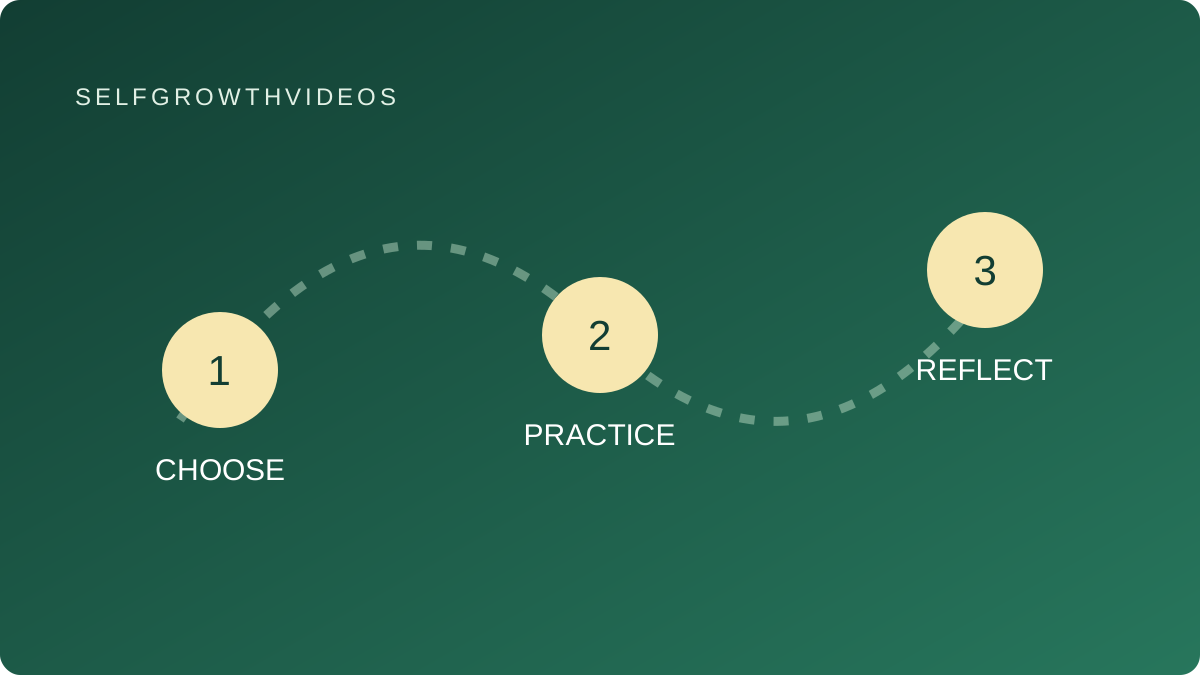 Choose, practice, reflect
A practical learning exercise
The Lesson
You ask an AI coding assistant to “improve my app.” It can produce a plausible plan, but it may not know who the app serves, which files matter or how to check a change. A useful project brief gives it facts it can inspect and questions it should leave open.
David Ondrej’s public AGENTS.md template includes a project overview, command placeholders and boundaries for changes. It asks for existing code to be read and work to stay within scope. His GitHub profile connects the template with his public creator work.
The AGENTS.md format site describes a Markdown file for project context and coding-agent instructions. You can begin with an ordinary written brief while learning the format. Check how your chosen tool reads project instructions before relying on a particular file location or behavior.
The important distinction is between a project fact and a convenient guess. “This project uses a certain framework” should come from its files or documentation. “Run this test command” should refer to a command that exists in that project. A copied template cannot verify either one.
Your brief also needs a reader task. A button is not an improvement by itself. “A reader can mark one saved lesson complete and see that state after reopening the page” gives you something to inspect. It still leaves questions: where is state stored, what happens if storage fails, and is there an existing pattern to follow?
Write unknowns plainly. A brief with three open questions is more useful than a confident description that hides them.
Reflection
Choose a small project you own or a fictional prototype.
- Who would use it, and what would they try to do?
- Which facts could you point to in the project?
- Which commands have you actually verified?
- What must the assistant ask before changing?
- What observable result would show that the requested work is complete?
If you cannot explain the current behavior, make inspecting and describing it the first task.
Practice
Original SelfGrowthVideos exercise: Prepare a project brief with an evidence column. This is our practice worksheet, not David Ondrej’s method or endorsement.
Imagine a reading-list prototype with three sample lessons. A reader can open a lesson, but there is no completion control yet. You want to explore adding one.
Draft these six parts:
| Part | Your note |
|---|---|
| Reader and purpose | A learner wants to track the three sample lessons |
| Current behavior | Describe what can be observed now |
| Requested change | One completion control, with the intended visible result |
| Project evidence | Files or documentation supporting your description |
| Checks | Existing commands, plus a manual reader task |
| Boundaries and questions | What requires clarification or permission |
For a real project, fill the evidence column with inspected file paths and documented commands. For the fictional project, label these details unknown. Do not turn example commands from a tutorial into claims about your own setup.
Ask an assistant to review the brief and identify missing information before proposing code. Compare its questions with yours. Does it assume there is a database, a login or a particular framework? Those assumptions may be useful questions, but they are not established facts.
Revise the brief once. Keep one requested interaction and explicitly leave unrelated redesigns outside the task. If you later implement it, use an appropriate isolated prototype and inspect the resulting behavior before publishing.
Review
Have a willing peer read the brief, or read it yourself after a break. Can the reviewer tell what is known, what is requested and what needs an answer?
Choose one check that could catch a meaningful failure. For the completion control, a reader might mark a lesson complete, reopen the page and observe whether the expected state remains. Record what happened rather than saying only “looks good.”
At your next check-in, update the brief when project facts change. Useful context is maintained documentation, not a one-time prompt that guarantees good code.
Go Deeper
Visit David Ondrej’s profile and AI Coding & App Building. Pair this with Brian Casel’s reviewable coding changes and Claire Vo’s saved-result interface check.
Explore Side Hustles: Websites & Small Apps for practice ideas that begin with one useful interaction and a clear handoff.