Nick Saraev: Keep the Customer's Question in View
How can I track a customer request without losing the question that needs my judgment?
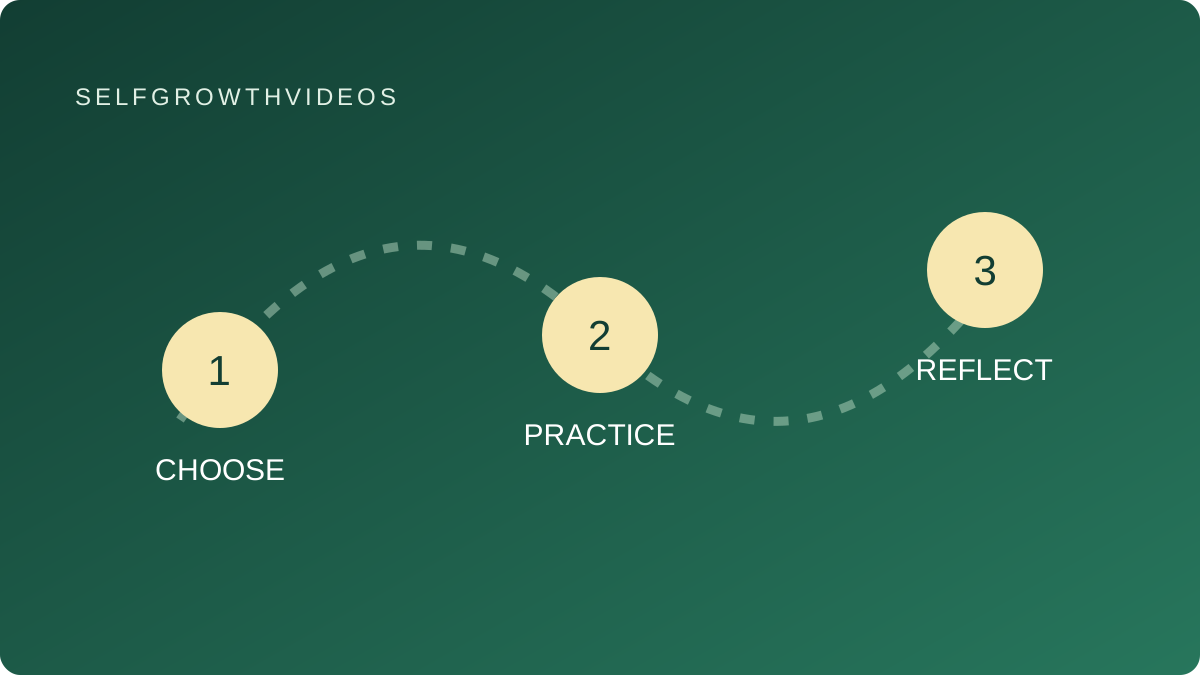 Choose, practice, reflect
A practical learning exercise
The Lesson
A customer asks whether you can change an event flyer after its organizer approves it. Your tracker says “flyer update,” and an assistant prepares a cheerful reply. The wording is polished, but the important question has disappeared: who can authorize the change, and what has already been agreed?
In his public post about work he keeps manual, Nick Saraev describes personally answering comments and engaging with his community. He emphasizes the attention he gives those interactions rather than treating everything as a task to automate. His official website identifies his AI and automation teaching.
For a small service, a useful application of that perspective is to preserve the customer’s actual question while organizing the request. The tracking card below is our own exercise. It is not Saraev’s customer-management system. Its purpose is to help you see what requires a response before a draft reply turns uncertainty into a promise.
A short task name is useful for finding a record, but it rarely captures a whole request. Keep the original fictional message beside your summary. Then separate what the customer asked, what is already known and what still needs a person’s decision. If you do not know whether a change has been approved, write that as an open question.
Record the current state with equal care. “Reply drafted” means text exists for review. “Customer answered” means a reply was actually delivered. “Waiting for the organizer’s approval” names a dependency. These states are not interchangeable, and an attractive draft does not settle the approval question.
An assistant can help extract a request or organize a note. You should still compare that note with the message before relying on it. The current Anthropic guidance on clear instructions recommends explicit output constraints. For this exercise, ask for the request, known facts and open questions in separate fields. Do not ask the assistant to decide your availability or establish terms.
Imagine the customer writes: “Can you change the time to 7 p.m.? The organizer approved the old version, and I haven’t asked about this change yet.” The request is a time change. The supplied facts include approval of the old version and no approval of the new change. A summary that simply says “approved flyer update” contradicts the message. A tracking card should keep that distinction visible.
Reflection
- What question is the customer actually asking?
- Which detail has been lost in your short task label?
- What has already been agreed, and what are you assuming?
- Who needs to supply a decision or missing fact?
- What would make the current state more precise?
Practice
Original SelfGrowthVideos exercise: build one customer-request card. This is our practice, not Saraev’s template or an endorsed business system. Use a fictional message and paper or a document. No customer data, payment, account connection or message sending is needed.
- Use the fictional request above. Keep its original wording visible. Give it a short reference name such as “Flyer time change.”
- Separate three fields. Write “Requested change: start time to 7 p.m.”; “Known facts: old version approved; organizer not yet asked about the change”; and “Open question: who should confirm the revised time?” Do not replace an open question with a guessed answer.
- Write a decision note. Record what you need to decide before work continues. For this example, clarify who can approve the revision and how the organizer’s response will be recorded. Do not imply that approval has already arrived.
- Draft a limited clarification. Try: “The requested change is to 7 p.m. The old version was approved, but this change has not been confirmed. Who should approve the revised time?” Label this as a draft for review. It does not promise when the work will be finished.
- Update with new evidence. Add a second fictional message: “The organizer has now confirmed 7 p.m.; please use version 4.” Record the new supplied fact and file reference, while keeping the earlier message. The next step is preparing a revision for review, not inventing a completion status.
- Check the handoff. Show the card to another reader. Ask what was requested, who confirmed it, which version is current and what remains to be done. Revise the card if they have to guess.
Review
When you revisit the card, check its current state against the latest source message. Did a decision become clearer? Is someone still responsible for the next step? Would a new reader understand the request without reopening a long chain? Change one field that caused confusion. If you later explore administrative help as a service, make request capture and responsible-person review part of the scope; one fictional trial does not establish demand or guarantee better customer relationships.